Give scripted audio a visual structure

Give your podcast episode a visual story to follow.

CartoonMakerAI helps podcasters turn an approved episode segment into a scene-based cartoon draft. Start with the transcript or outline, decide what deserves a visual beat, and keep the audio, character, and message aligned through review.

Built for

Independent podcasters · Interview and conversation shows · Educational audio creators · Teams repurposing long-form episodes

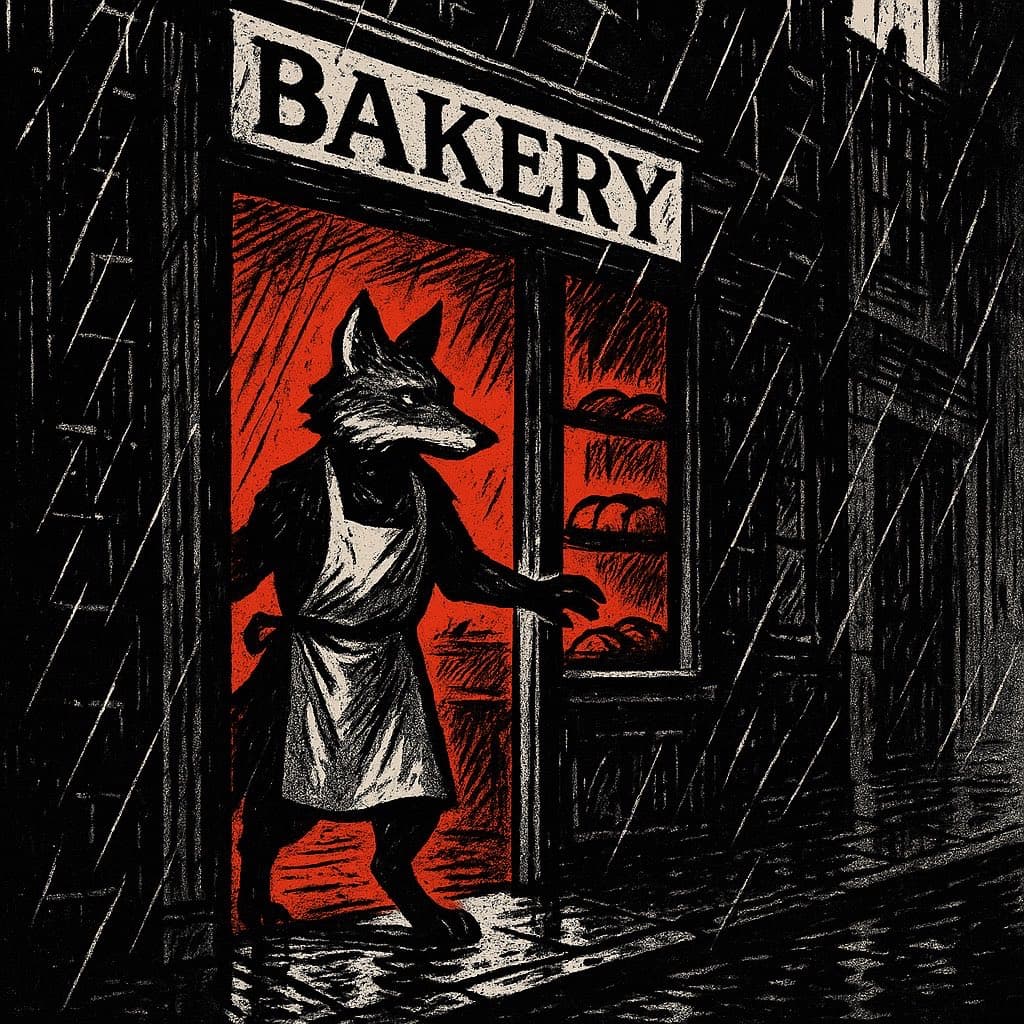
A noir comic-style cartoon host recording an illustrated podcast episode

The practical difference

A practical visual layer for an existing audio idea: preserve the voice and argument, then add scenes that make examples, transitions, and takeaways easier to follow.

What the workflow helps you do

Make every scene serve the larger idea.

01

Use the transcript as a source, not a storyboard

Spoken paragraphs are designed for listening, while scenes are designed for visible change. Mark topic shifts, examples, tone changes, and callbacks before asking the generator to visualize the episode.

02

Give the show a visual anchor

A recurring host, mascot, studio, or signature prop can connect several scenes without turning every sentence into a new setting. Repeat the important character and style details so the adaptation has a recognizable identity.

03

Adapt a segment before a full episode

A self-contained excerpt is easier to review for pacing, sync, and visual clarity than a complete long-form production. Start with one argument, story, or interview answer that already has a natural beginning and ending.

A better starting point

A production process you can repeat.

Use this as a planning sequence, not a rigid formula. The goal is to make the creative and editorial decisions before rendering so that the generated scenes have a clear job to perform.

Plan the audio-to-scene workflow
  1. 01

    Choose a self-contained excerpt

    Select a segment with one clear question or narrative movement. Note the exact audio start and end points, the intended viewer, and whether the original recording or a new narration will be used.

  2. 02

    Mark visual breakpoints

    Label where the topic shifts, an example appears, the tone changes, or an earlier idea returns. These breakpoints are more useful than splitting the transcript into equal paragraphs.

  3. 03

    Design a host and visual vocabulary

    Define the host's appearance, signature prop, setting, palette, and role. Decide whether the host narrates from a stable studio or enters each example as a participant.

  4. 04

    Review with audio on and off

    With sound off, check whether the sequence still communicates the main movement. With sound on, check timing, pronunciation, captions, visual emphasis, and whether the scenes add clarity rather than compete with the voice.

Editorial guardrails

The part AI should not decide for you.

Clear the audio and visual rights

Use a recording, transcript, music bed, guest name, artwork, and source material that you created or are authorized to adapt. A cartoon treatment does not change the underlying rights obligations.

Do not visualize every sentence literally

Literal illustration can produce a static slideshow. Prioritize concrete examples, comparisons, gestures, locations, and visual metaphors that help the audience understand the spoken idea.

Check names and quotations carefully

Review guest names, organizations, dates, quoted language, labels, and captions against the approved transcript. Generated text and visual symbols should not be treated as a reliable transcription layer.

Use this as a starting brief

Example prompt

Create a 60-second noir-comic cartoon adaptation of an original podcast segment about why a small team loses time when every request is treated as urgent. Use one recurring fox host in a compact recording studio, then visualize three examples with clear scene changes: a crowded task board, one prioritized request, and a calm review meeting. Keep the host, microphone, desk lamp, and ink-heavy palette consistent. Make the visual metaphors easy to follow with the audio muted, use 16:9 framing, and do not invent facts, quotes, or business results.

Adapt the audience, platform, character, story change, and visual style. The more the brief reflects your own format, the less the finished video will feel interchangeable.
Frequently asked questions

Useful questions before you start.

Can I use a podcast transcript as the generation prompt?

A transcript is a useful source, but it is usually too linear to function as a storyboard. Extract the central idea, mark visual breakpoints, trim audio-only filler, and rewrite each beat as a visible action before generating.

Should I use the original podcast audio?

Often yes, especially when the host's voice is part of the show's identity. Match the visual beats to the approved recording, or create a separate narration pass if the adaptation needs tighter pacing.

Can an interview become a cartoon video?

Yes. Start with a self-contained answer or exchange, decide whether one host character can carry the adaptation, and use visual examples or metaphors to clarify the guest's point without changing its meaning.

How long should the first podcast adaptation be?

A focused excerpt is a sensible first test. Select a segment with one complete idea rather than committing to a full episode before you know whether the visual pace, review effort, and audience response fit your workflow.

Will a cartoon version automatically increase podcast reach?

No. An animated adaptation can create another distribution format, but reach depends on the topic, audience, packaging, publishing choices, and many factors outside the generator.

Start with an idea worth finishing.

Give the prompt a point of view, a viewer, and a clear final beat. The rest of the workflow becomes far easier to shape.