Choose a workflow

Start with the video your audience actually needs.

CartoonMakerAI helps turn an original brief into a scene-based animated sequence. These guides help you choose the right starting workflow, then connect it to deeper planning and publishing resources.

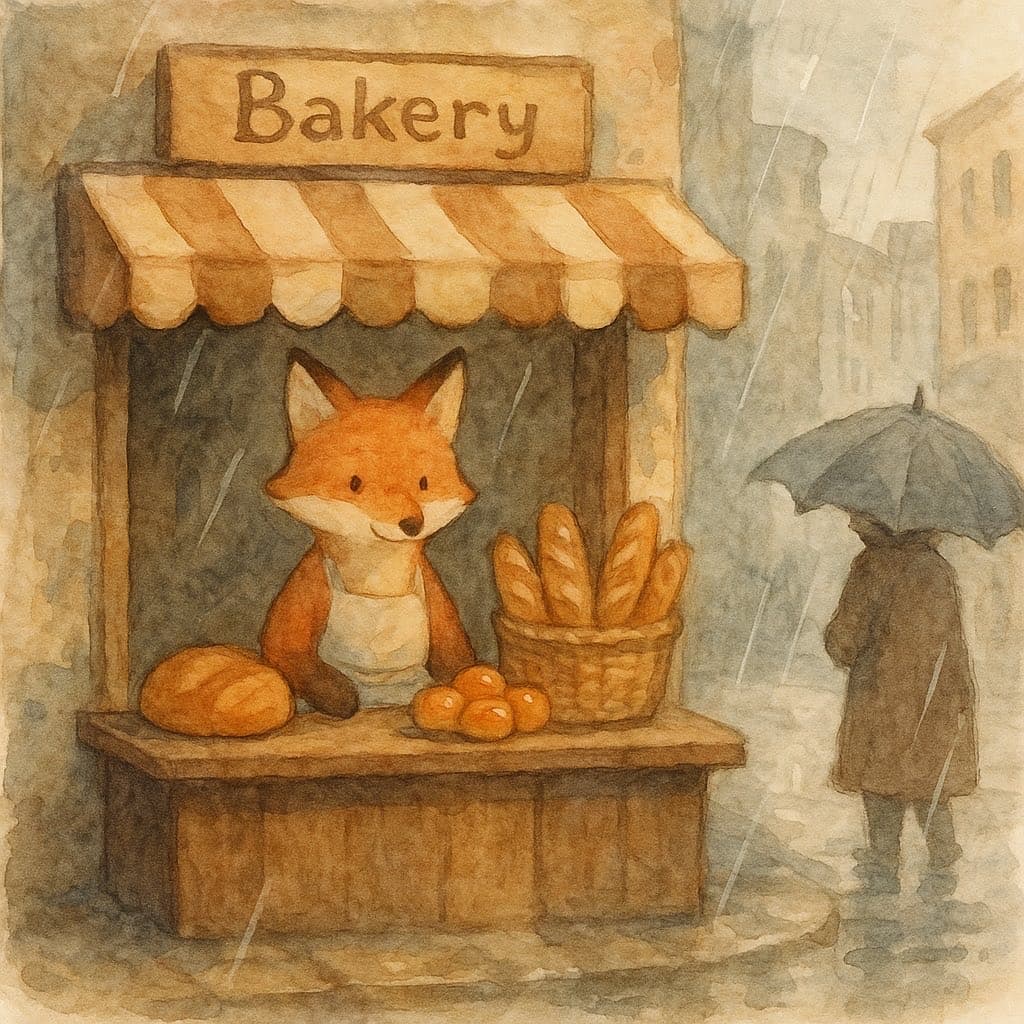
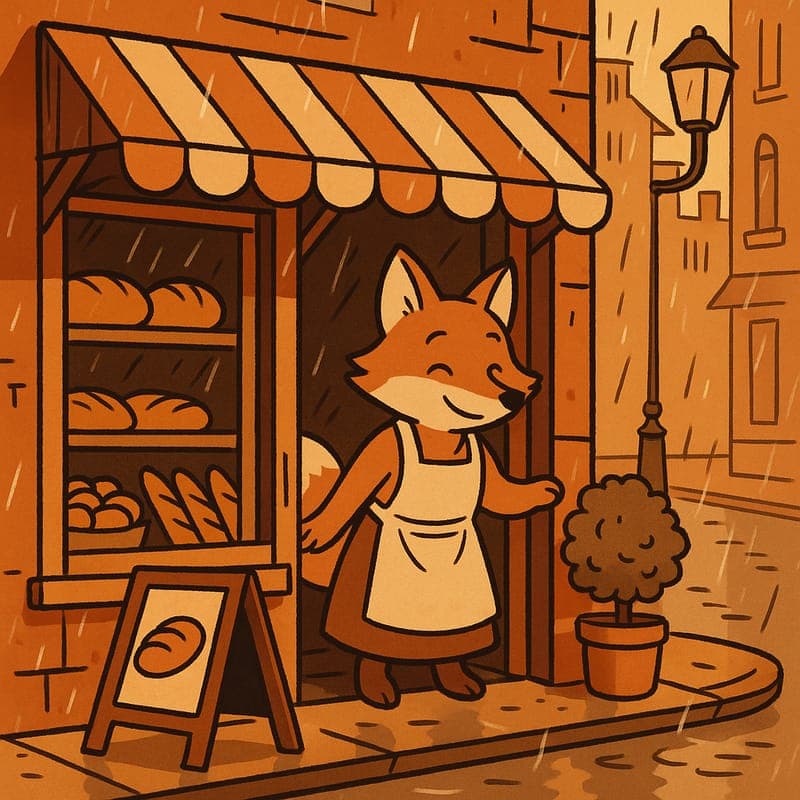
A warm cel-shaded cartoon fox standing outside a bakery

Prompt-to-video workflow

AI Cartoon Video Maker

CartoonMakerAI turns a written premise into a scene-based animated video without asking you to manage a timeline. Describe the story, choose a visual direction, and generate a sequence built for the length and format you need.

Explore AI Cartoon Video Maker
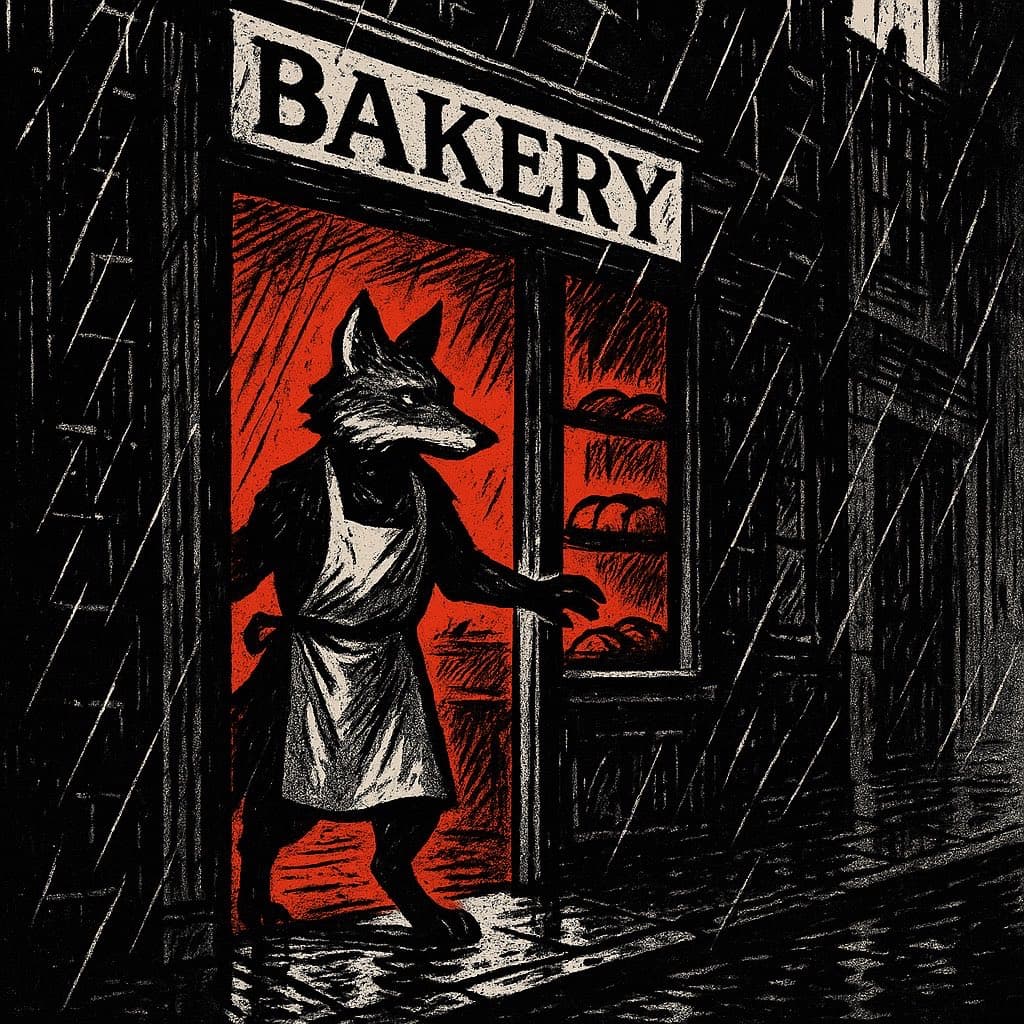
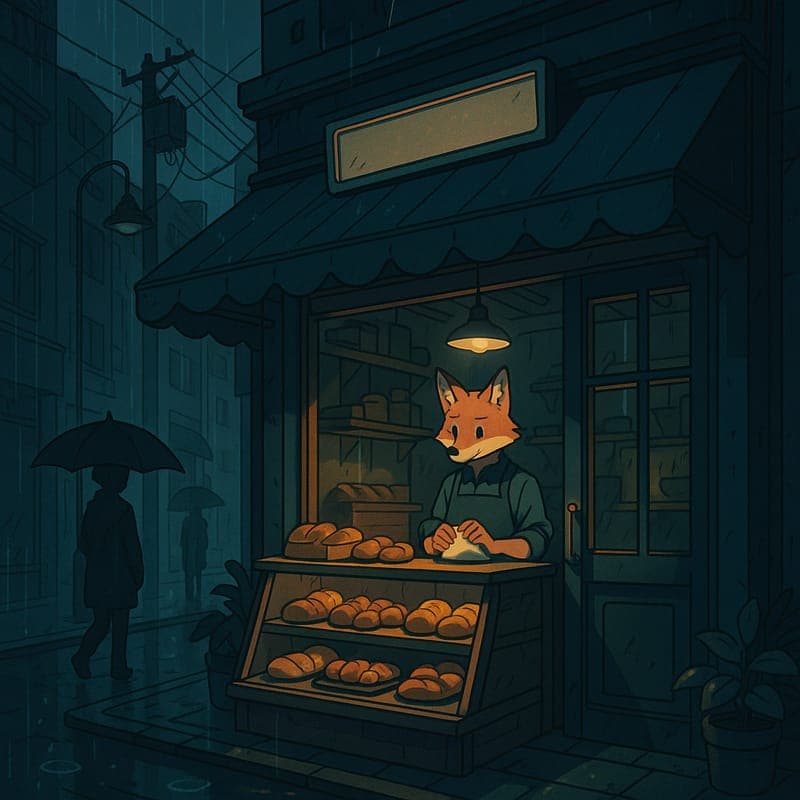
A noir comic-style cartoon fox in a rainy street scene

For original creator-led formats

Faceless YouTube Video Maker

A faceless YouTube channel is not a shortcut around creative work. It is a production model: a recognisable point of view, a repeatable episode structure, and a reliable way to turn researched ideas into videos. CartoonMakerAI helps with the visual production layer.

Explore Faceless YouTube Video Maker
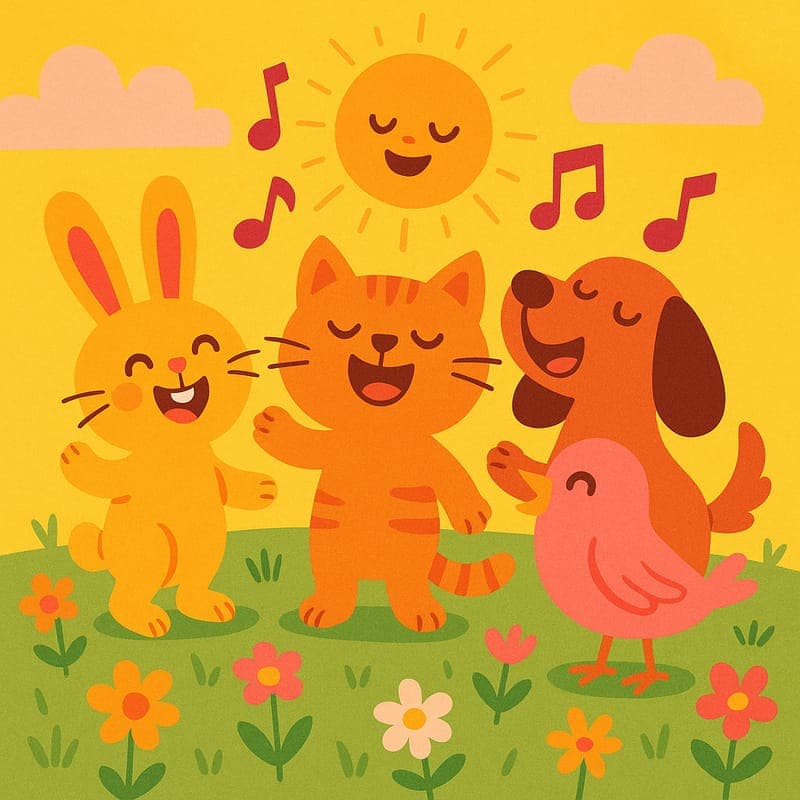
A bright children’s-book-style animal sing-along scene

Original songs and learning moments

AI Nursery Rhyme Video Maker

A useful children’s video begins with more than colourful animation. It needs a specific age range, one manageable learning or emotional goal, a predictable rhythm, and original creative choices. CartoonMakerAI helps turn that brief into a scene-based kids-song video.

Explore AI Nursery Rhyme Video Maker
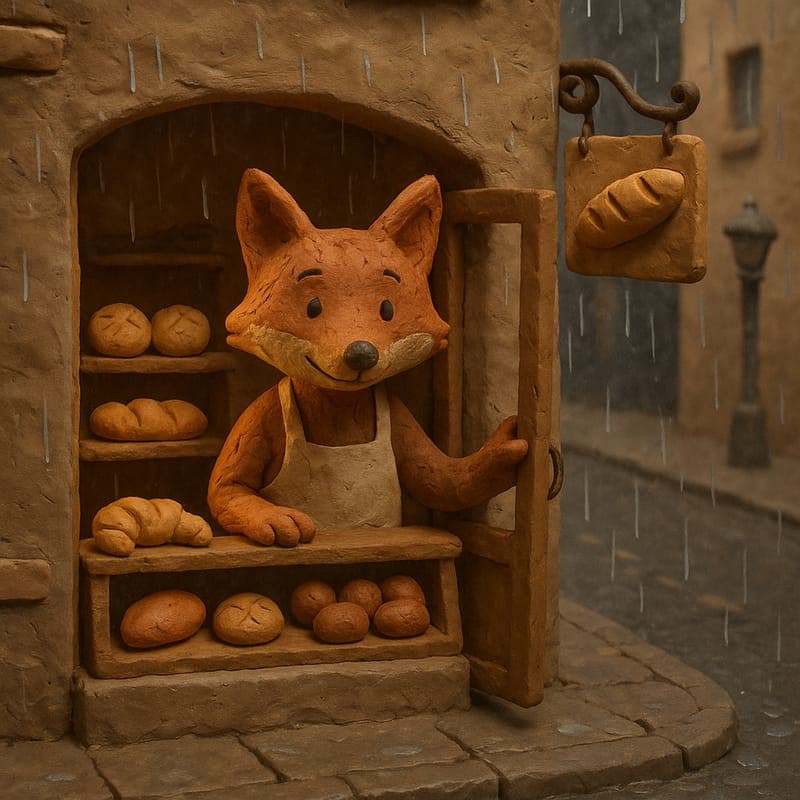
A stop-motion-style clay fox kneading dough in a tiny bakery

Stop-motion look, prompt-based workflow

Clay Animation Video Maker

Traditional clay animation means armatures, sculpting, and photographing twelve poses for every second of footage. CartoonMakerAI produces the claymation aesthetic — visible clay texture, soft studio lighting, an earthy handmade palette — from a written scene description, built as a chain of consistent scenes.

Explore Clay Animation Video Maker
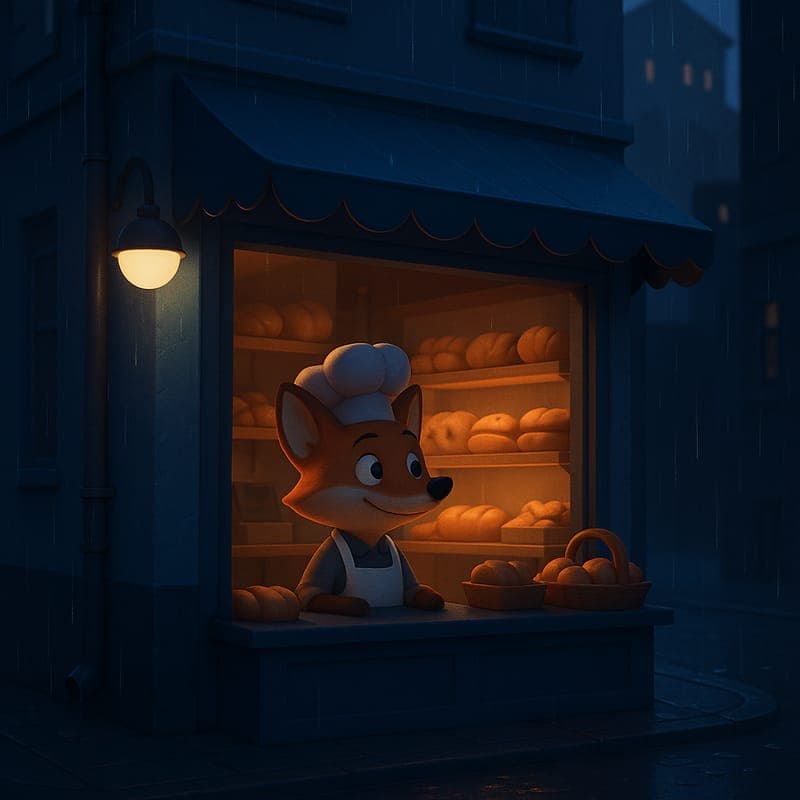
A smooth 3D toon fox mascot baking bread by a rain-streaked bakery window

Studio-look 3D toon from a prompt

3D Cartoon Video Maker

The big-studio 3D look normally sits behind the most expensive pipeline in animation: modeling, rigging, texturing, lighting, and render time. CartoonMakerAI's 3D Toon style produces a smooth 3D-animated render with soft rim lighting from a written scene description, generated as a chain of consistent scenes.

Explore 3D Cartoon Video Maker
A 3D toon fox mascot explaining a coffee product in a warm roastery

Clear ideas, scene by scene

AI Animated Explainer Video Maker

Turn one useful product, lesson, or brand idea into a scene-based animated explainer. Define the viewer promise, choose a visual direction, and review the generated sequence before publishing.

Explore AI Animated Explainer Video Maker
A cel-shaded fox character carrying a paper boat through a rainy park

Bring original stories to life

AI Story Video Maker

CartoonMakerAI helps writers, educators, and narrative creators turn an original story idea into a reviewable cartoon video. Set the character and setting anchors, shape the story beats, and decide what is ready to publish.

Explore AI Story Video Maker
An expressive anime-style cartoon character standing in a bright city scene

Turn written ideas into visual beats

Text to Cartoon Video Maker

Paste a script, paragraph, or original idea and use it as a practical starting brief for a cartoon video. Choose a visual style and format, then review the scene chain instead of treating the first render as a finished edit.

Explore Text to Cartoon Video Maker
A colourful pixel-art cartoon character framed for a mobile video

Plan clearer Shorts, Reels, and TikToks

AI Social Short Video Maker

CartoonMakerAI helps creators shape an original idea into a focused social-video draft. Choose the destination format, define one viewer promise, and review the visual beats before publishing.

Explore AI Social Short Video Maker
A gentle watercolor cartoon classroom with a teacher pointing to a simple diagram

Explain one lesson with clearer visual beats

AI Educational Video Maker

CartoonMakerAI helps teachers, tutors, and education teams turn an original lesson outline into a scene-based visual draft. Keep one learning goal visible, review every claim, and adapt the result to your learners.

Explore AI Educational Video Maker
A polished 3D toon mascot presenting a simple product workflow on a screen

Show one product workflow clearly

AI Product Demo Video Maker

CartoonMakerAI helps SaaS teams, startups, and small businesses turn an approved product brief into a reviewable cartoon demo. Focus the story on one user problem, one workflow, and one accurate next step.

Explore AI Product Demo Video Maker
A cel-shaded cartoon editor arranging illustrated article ideas on a desk

Turn approved writing into visual scenes

Blog to Cartoon Video Maker

CartoonMakerAI helps you adapt approved written content into a scene-based video draft. Start with one article, choose the audience and format, then shape the key ideas into visual moments before you review the result.

Explore Blog to Cartoon Video Maker
A noir comic-style cartoon host recording an illustrated podcast episode

Give scripted audio a visual structure

Podcast to Cartoon Video Maker

CartoonMakerAI helps podcasters turn an approved episode segment into a scene-based cartoon draft. Start with the transcript or outline, decide what deserves a visual beat, and keep the audio, character, and message aligned through review.

Explore Podcast to Cartoon Video Maker
A polished 3D toon character presenting a product idea in a bright studio

Create a reviewable cartoon ad draft

AI Video Ad Maker

CartoonMakerAI helps founders, marketers, and small teams turn an approved campaign brief into a scene-based video ad draft. Define the audience problem, show the product or workflow clearly, and review every claim before publishing.

Explore AI Video Ad Maker

Original ideas need a clear production brief.

Start by defining the audience, the outcome, and the one visual story you want to tell. A carefully planned brief improves the generated sequence, makes review easier, and gives your content a point of view that a template alone cannot provide.