01
Start with one viewer promise
A strong explainer answers one useful question. Begin with what the viewer should understand or do by the end.
Clear ideas, scene by scene
Turn one useful product, lesson, or brand idea into a scene-based animated explainer. Define the viewer promise, choose a visual direction, and review the generated sequence before publishing.
Built for
Small businesses explaining a product · Educators and learning teams · Creators making useful explainers · Small teams and agencies
The practical difference
Start with the viewer promise, build a short scene chain, and keep the final review in your hands.
What the workflow helps you do
01
A strong explainer answers one useful question. Begin with what the viewer should understand or do by the end.
02
Use a recurring mascot, product, or visual metaphor across scenes. Style supports the explanation; it does not replace a clear brief.
03
Check the opening, labels, pacing, continuity, and final call to action. Generation is a production step, not the final editorial decision.
A better starting point
Use this as a planning sequence, not a rigid formula. The goal is to make the creative and editorial decisions before rendering so that the generated scenes have a clear job to perform.
See the explainer workflow ↓Write the one problem, lesson, or product benefit the audience should understand. This gives every scene a job.
Name the recurring character or product, setting, tone, style, and platform format. Specific anchors make review easier.
CartoonMakerAI divides a longer idea into scene-sized beats that move from context to explanation to outcome.
Check that visual action supports the script, claims are accurate, text is readable, and the ending delivers the starting promise.
Editorial guardrails
Supply accurate product detail, price, process, or lesson information. Review every generated statement before publishing.
3D Toon can suit a polished product story, while Cel Classic can make a general explanation approachable. Style is not a quality guarantee.
A website explainer, vertical short, and square post need different framing. Pick ratio and length before generation.
Use this as a starting brief
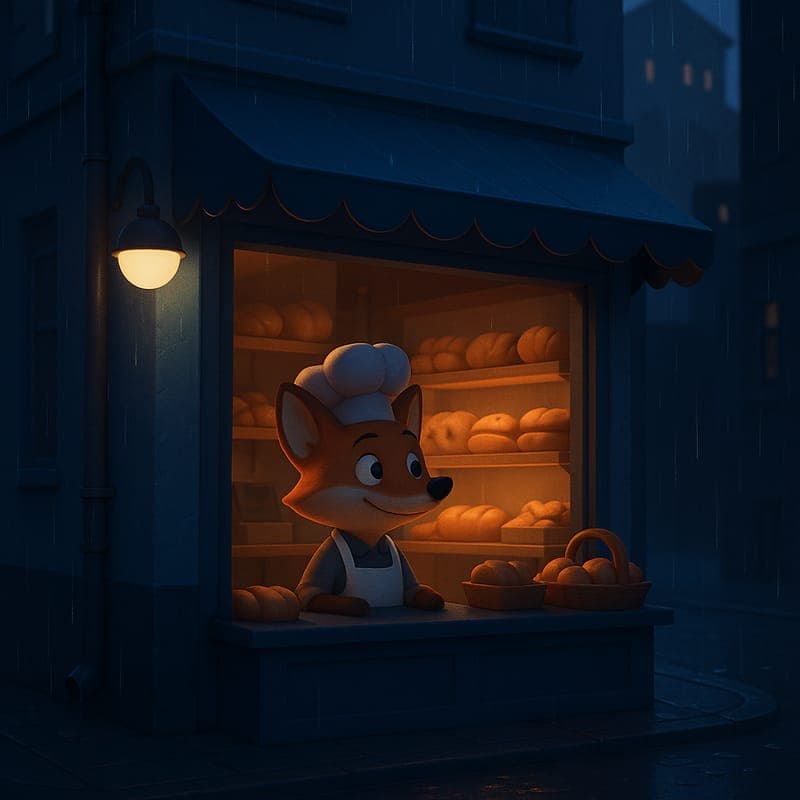
“Create a 45-second animated explainer for a small software product. Show one problem, one product benefit, and one next step. Use one recurring fox mascot, a simple office setting, clear labels, and Cel Classic or 3D Toon style. Build four beats: problem, friction, solution, and outcome. Compose for 16:9 and keep the mascot and setting consistent.”
Adapt the audience, platform, character, story change, and visual style. The more the brief reflects your own format, the less the finished video will feel interchangeable.
Continue learning
Turn an approved product brief into a focused cartoon explainer with one user problem, a visible workflow, and no invented feature claims.
Read the guide →3D toon style looks the most premium out of the box but is also the least forgiving. Here's when it's the right call for explainer content.
Read the guide →Visuals get most of the attention in AI video discussions, but voiceover quality is often what actually determines whether a video feels professional.
Read the guide →Create a focused cartoon product ad by mapping the audience problem, product role, evidence boundary, call to action, and final review.
Read the guide →A one-page document that makes every later generation cheaper, more consistent, and less dependent on remembering what you did.
Read the guide →Motion is expensive and not every idea earns it. A practical guide to deciding whether a still will do the job.
Read the guide →Related workflows
The big-studio 3D look normally sits behind the most expensive pipeline in animation: modeling, rigging, texturing, lighting, and render time. CartoonMakerAI's 3D Toon style produces a smooth 3D-animated render with soft rim lighting from a written scene description, generated as a chain of consistent scenes.
Explore workflow →CartoonMakerAI helps SaaS teams, startups, and small businesses turn an approved product brief into a reviewable cartoon demo. Focus the story on one user problem, one workflow, and one accurate next step.
Explore workflow →CartoonMakerAI helps founders, marketers, and small teams turn an approved campaign brief into a scene-based video ad draft. Define the audience problem, show the product or workflow clearly, and review every claim before publishing.
Explore workflow →Frequently asked questions
Use one to introduce a product benefit, teach a manageable concept, explain a process, or give a creator audience a visual summary.
You do not need to manage an animation timeline to start. A focused brief, useful style, and final review still improve the result.
Longer ideas are built as shorter scenes. Available length depends on credits and plan, and longer sequences need closer continuity review.
Commercial-use rights depend on your plan. Review current pricing and plan terms before a paid client or monetized workflow.
No. You remain responsible for accuracy, rights, and final review. Treat the output as a draft that needs human checking.
Start with an idea worth finishing.
Give the prompt a point of view, a viewer, and a clear final beat. The rest of the workflow becomes far easier to shape.