Prompt-to-image

Generate images in the style your videos already use.

Describe a scene and get a still image in one of the same visual styles that drive CartoonMakerAI videos. Useful on its own, and useful as the opening frame of something longer.

Built for

Faceless channel creators · Story channels · Teachers · Small brand teams

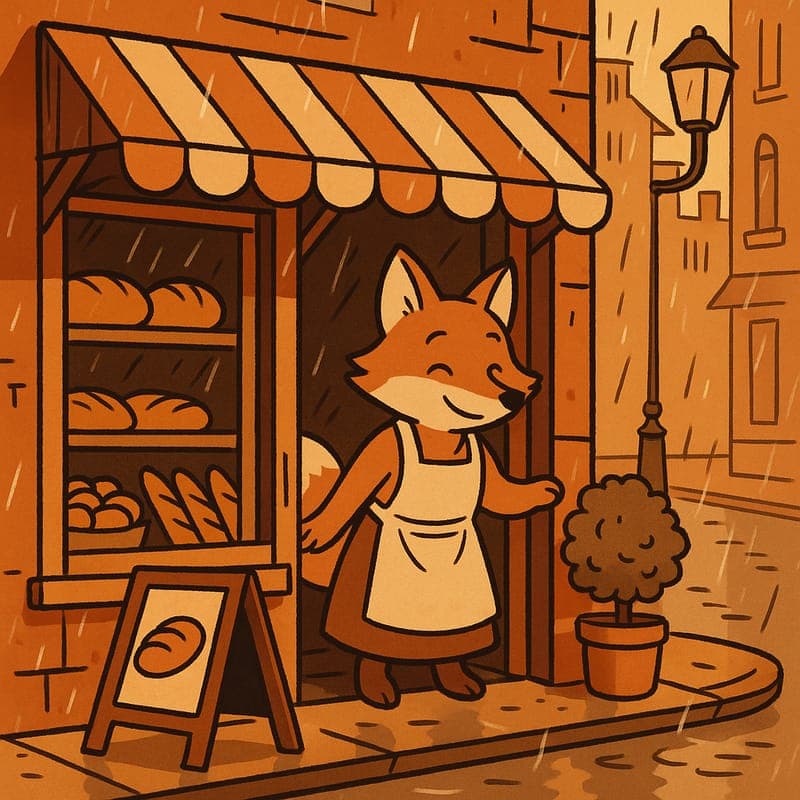
Cel-shaded cartoon fox outside a bakery

The practical difference

Three free images a month, then a small per-image credit cost — with the same style vocabulary your video work already uses.

What the workflow helps you do

Make every scene serve the larger idea.

01

One style vocabulary across stills and motion

Most creators end up with a thumbnail generator that knows nothing about the tool that made the video, and the mismatch shows. Here, the style you pick for an image is the same named style a video can be generated in, so a still and a clip read as the same production rather than two unrelated tools stitched together.

02

Three free images a month, and they roll over into nothing

The free quota resets on the first of each month. It isn't a trial that expires and it isn't a lifetime cap — if you generate nothing in March, April still starts at three. Past the quota each image costs a single credit from the same balance your videos draw on.

03

Built to hand off to video

An image you like can become the first frame of a generated clip, which is the practical way to control how an animated scene opens. Starting from a still you have already approved removes most of the guesswork from the first second of a video.

A better starting point

A production process you can repeat.

Use this as a planning sequence, not a rigid formula. The goal is to make the creative and editorial decisions before rendering so that the generated scenes have a clear job to perform.

See the styles
  1. 01

    Describe the frame

    Write what is in the shot — subject, setting, light, mood. Specific nouns beat adjectives.

  2. 02

    Pick a style

    Choose the same named style you would use for a video in this series so the two match.

  3. 03

    Generate and iterate

    Images come back in seconds rather than minutes, so the loop is short enough to actually iterate.

Editorial guardrails

The part AI should not decide for you.

Free images that fail don't cost you a slot

If a generation fails, it doesn't count against your three. You only lose a slot for an image that actually rendered.

Aspect ratio is a decision, not a crop

Pick 1:1, 16:9, or 9:16 before generating rather than cropping afterwards — composition is decided at generation time, and a crop throws away the part of the frame the model composed for.

Use this as a starting brief

Example prompt

A fox baker holding a tray of fresh bread, warm morning light through a shop window

Adapt the audience, platform, character, story change, and visual style. The more the brief reflects your own format, the less the finished video will feel interchangeable.

Try it now

Make one image without signing up.

No account, no card. Sign up afterwards and the image you made is saved to your account, along with the rest of your three free images this month.

Frequently asked questions

Useful questions before you start.

How many free images do I get?

Three every calendar month, resetting on the 1st. No card is required.

What happens after the free three?

Each additional image costs one credit from the same balance your videos use.

Can I use the images commercially?

Commercial use is included on the paid plans; see the pricing page for the details per plan.

Start with an idea worth finishing.

Give the prompt a point of view, a viewer, and a clear final beat. The rest of the workflow becomes far easier to shape.