For original creator-led formats

Build a faceless channel around a format people remember.

A faceless YouTube channel is not a shortcut around creative work. It is a production model: a recognisable point of view, a repeatable episode structure, and a reliable way to turn researched ideas into videos. CartoonMakerAI helps with the visual production layer.

Built for

Faceless YouTube creators · Narrated explainer channels · Story-time formats · Solo operators testing a content series

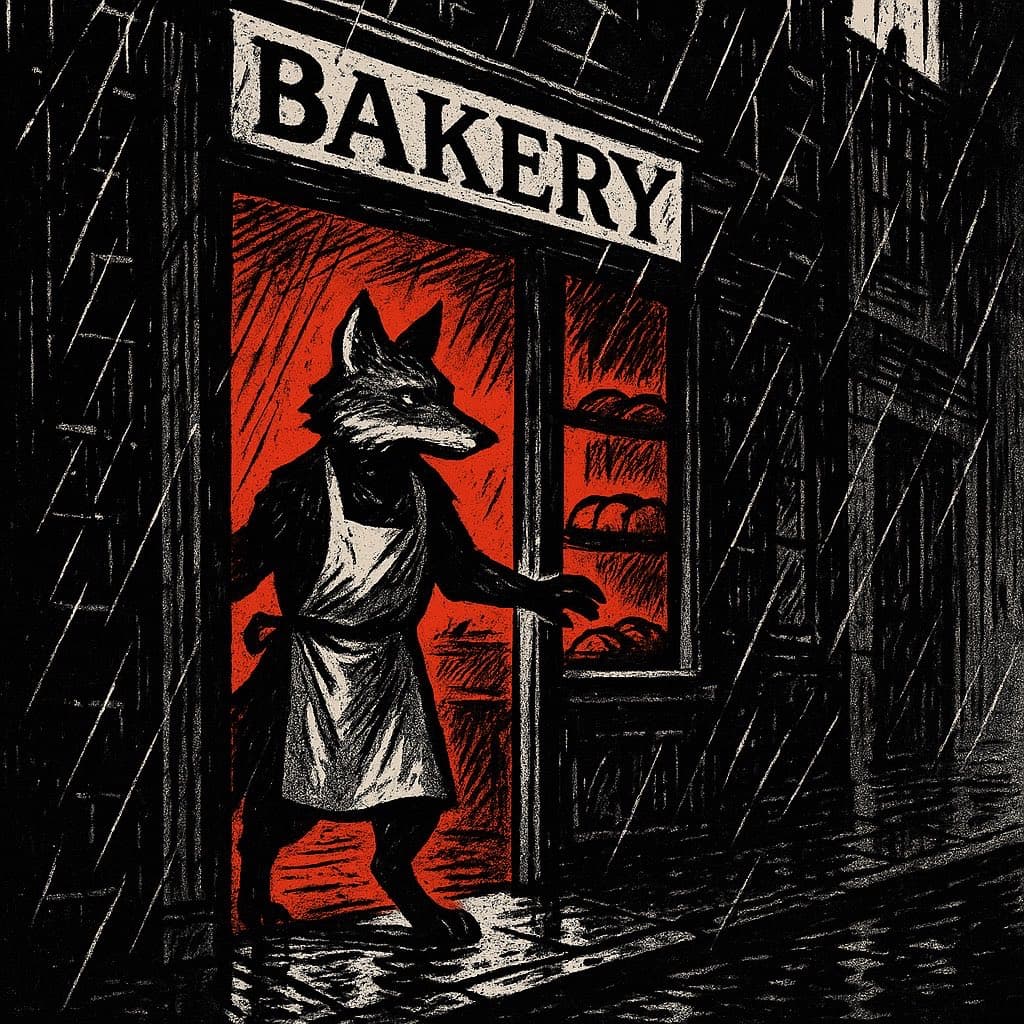
A noir comic-style cartoon fox in a rainy street scene

The practical difference

Use a reusable visual format to spend more time on research, writing, and retention instead of rebuilding every production from an empty timeline.

What the workflow helps you do

Make every scene serve the larger idea.

01

Turn a repeatable series concept into episodes

The strongest faceless channels do not rely on a random collection of topics. They repeat an identifiable promise: strange history explained through a mascot, business lessons told as mini-stories, or bedtime fables with a familiar opening. A consistent visual format makes that promise easier to recognise.

02

Match the visual style to the audience expectation

A true-crime-style mystery, a cheerful science lesson, and a humorous product story should not look or move the same way. Build a style guide for your channel—palette, character role, editing rhythm, and thumbnail language—then use each episode to reinforce it.

03

Plan scenes around retention, not around generation limits

A scene should earn its place by creating a question, adding evidence, changing the situation, or delivering a payoff. That approach produces a better viewer experience and a more logical generation brief than simply dividing a script into equal time blocks.

A better starting point

A production process you can repeat.

Use this as a planning sequence, not a rigid formula. The goal is to make the creative and editorial decisions before rendering so that the generated scenes have a clear job to perform.

Read the creator workflow
  1. 01

    Choose a narrow, repeatable channel promise

    Write one sentence that completes the phrase: ‘This channel helps this audience understand or feel this thing through this format.’ If the sentence is unclear, a new viewer will have difficulty understanding why they should return after one episode.

  2. 02

    Research and write the episode before visual production

    Gather source material, decide what is genuinely useful or surprising, and create an original outline. For factual videos, separate verified claims from colour and commentary. For stories, map the setup, problem, escalation, and resolution before you request visuals.

  3. 03

    Convert the outline into a scene map

    Give each scene a headline, a spoken or on-screen point, an emotional beat, and a visual action. This map creates a bridge between the writing and the generation workflow, making it easier to see where a viewer may lose the thread.

  4. 04

    Publish, measure, and improve one variable at a time

    After release, review click-through, early retention, comments, and the production time required. Change one meaningful variable in the next episode—opening question, scene density, style cue, or story type—so the result teaches you something rather than creating noise.

Editorial guardrails

The part AI should not decide for you.

Avoid the content-factory trap

High output is useful only when each video has a clear reason to exist. Repetitive topics, copied scripts, or barely changed visuals may create a catalogue but not a trusted channel. Treat AI as production assistance, not a replacement for editorial judgement.

Create a channel bible

Document the host or mascot, core visual style, audience age, tone of voice, topic boundaries, intro structure, and ending. This one-page reference keeps outsourced research, writing, narration, and visuals moving in the same direction.

Plan the first 12 episodes together

A short list of related episode ideas reveals whether a format has depth. It also makes internal linking, playlists, thumbnail variations, and weekly production much easier to organise than choosing the next topic after every upload.

Use this as a starting brief

Example prompt

Create a 90-second noir-comic animated explainer for an original faceless YouTube series called ‘Small Mysteries, Clearly Told.’ The episode explains why a tiny local bakery suddenly has a line around the block after a rainy morning. Use a recurring fox investigator as the host, introduce one visual clue per scene, keep the setting and character stable, and end with a useful lesson about word of mouth. Compose in 16:9 with high-contrast ink shading and readable visual emphasis.

Adapt the audience, platform, character, story change, and visual style. The more the brief reflects your own format, the less the finished video will feel interchangeable.

Frequently asked questions

Useful questions before you start.

What makes a faceless channel sustainable?

A sustainable channel has a clear audience promise, an editorial process, a manageable production system, and a format that can produce many distinct episodes without becoming repetitive. Being off-camera is only one production choice.

Can an animated format work for educational or factual videos?

Yes, when the visual treatment clarifies the idea rather than merely decorating the narration. Use simple scene changes, recurring visual metaphors, labels where needed, and a script that distinguishes fact, interpretation, and example.

How often should I publish?

Choose a schedule that preserves research, review, and quality. A realistic weekly cadence with a growing backlog is more useful than a burst of uploads that cannot be maintained or improved.

Can I monetize AI-assisted faceless videos?

Monetization depends on the policies of the platform and on whether the channel provides original, meaningful value. Build each episode around original research, scripting, commentary, or storytelling, and review the platform’s current rules before publishing.

Start with an idea worth finishing.

Give the prompt a point of view, a viewer, and a clear final beat. The rest of the workflow becomes far easier to shape.