01
Stills are the cheap place to be wrong
An image costs a fraction of a video and returns in seconds. Working out pacing, framing, and whether a scene is even necessary at that price changes how freely you can revise.
Pre-production
Video generation is the expensive step. Deciding what each scene looks like as a cheap still first is how you avoid paying video prices to discover that scene three doesn't work.
Built for
Story channels · Explainer producers · Educators · Agencies
The practical difference
A cheap rehearsal for an expensive process — and frames that feed directly into generation.
What the workflow helps you do
01
An image costs a fraction of a video and returns in seconds. Working out pacing, framing, and whether a scene is even necessary at that price changes how freely you can revise.
02
An approved board frame can be used as the first frame of a generated scene, which is the most direct control you have over how a clip starts — and it's what keeps consecutive scenes visually continuous.
03
Most first drafts have a scene that exists only because it was in the outline. That's much easier to notice in a row of stills than in a rendered sequence you've already paid for.
A better starting point
Use this as a planning sequence, not a rigid formula. The goal is to make the creative and editorial decisions before rendering so that the generated scenes have a clear job to perform.
See how scene chaining works ↓One frame per beat. If a beat needs two frames to be legible, it's two beats.
Board every beat in the same style so the sequence reads continuously.
Remove what the row shows to be redundant before generating any video.
Editorial guardrails
A board in the wrong aspect ratio teaches you the wrong thing about framing.
Long videos are generated as chained scenes where each clip's last frame feeds the next. Boarding with that in mind produces a sequence that actually chains.
Use this as a starting brief
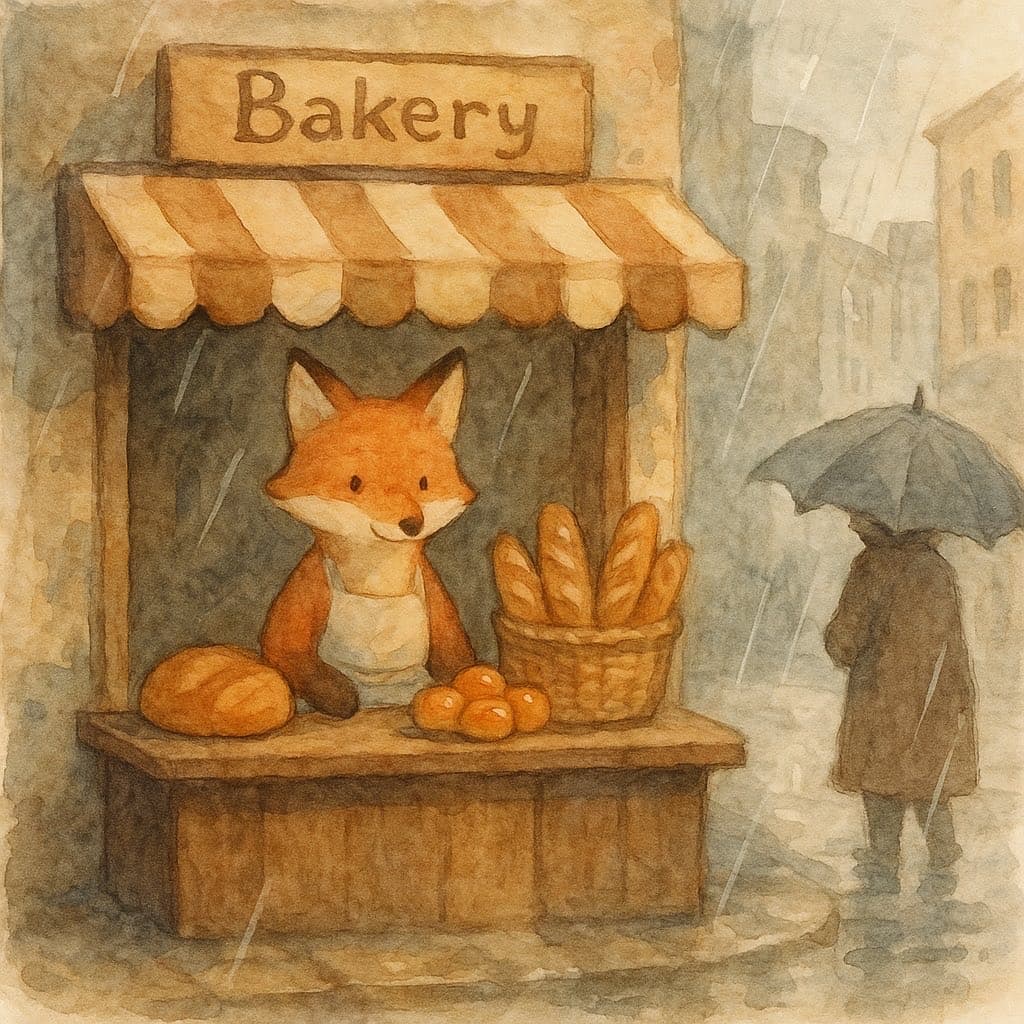
“Storyboard frame: a fox unlocking a bakery door at dawn, wide shot, soft blue light”
Adapt the audience, platform, character, story change, and visual style. The more the brief reflects your own format, the less the finished video will feel interchangeable.
Try it now
No account, no card. Sign up afterwards and the image you made is saved to your account, along with the rest of your three free images this month.
Continue learning
Video is the expensive step. Boarding it as cheap stills first is the most reliable way to stop paying for scenes you'll cut.
Read the guide →A plain-language breakdown of the technique that lets AI video tools produce minutes of continuous footage from clips that individually cap out around 15 seconds.
Read the guide →Motion is expensive and not every idea earns it. A practical guide to deciding whether a still will do the job.
Read the guide →Jumping straight from script to generation skips the planning step that actually prevents wasted credits. Here's a lightweight storyboard process built for AI pipelines.
Read the guide →A one-page document that makes every later generation cheaper, more consistent, and less dependent on remembering what you did.
Read the guide →Characters drift because descriptions are vague, not because the model is unreliable. The habits that stop it.
Read the guide →Related workflows
CartoonMakerAI helps writers, educators, and narrative creators turn an original story idea into a reviewable cartoon video. Set the character and setting anchors, shape the story beats, and decide what is ready to publish.
Explore workflow →Paste a script, paragraph, or original idea and use it as a practical starting brief for a cartoon video. Choose a visual style and format, then review the scene chain instead of treating the first render as a finished edit.
Explore workflow →Turn one useful product, lesson, or brand idea into a scene-based animated explainer. Define the viewer promise, choose a visual direction, and review the generated sequence before publishing.
Explore workflow →Frequently asked questions
One per story beat — for a 60-second video that's usually four to eight.
Yes, an approved frame can be used as a scene's opening frame.
Yes, boards are ordinary images: three free a month, then one credit each.
Start with an idea worth finishing.
Give the prompt a point of view, a viewer, and a clear final beat. The rest of the workflow becomes far easier to shape.