01
Start with a usable brief
A paragraph becomes more useful when it has one viewer promise, one recurring subject, and a clear ending. The clearer the input, the easier the output is to judge.
Turn written ideas into visual beats
Paste a script, paragraph, or original idea and use it as a practical starting brief for a cartoon video. Choose a visual style and format, then review the scene chain instead of treating the first render as a finished edit.
Built for
Short-form creators · Blog and podcast publishers · Teachers and students · Small-business marketers
The practical difference
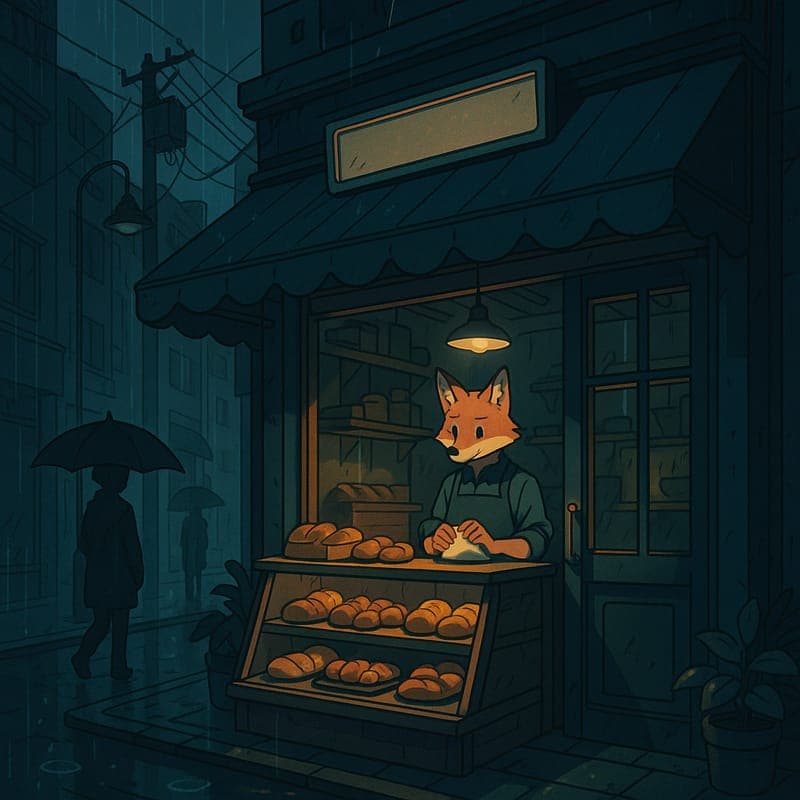
A transparent text-to-cartoon workflow: turn raw words into a viewer promise, scene beats, a chosen visual register, and a reviewable draft.
What the workflow helps you do
01
A paragraph becomes more useful when it has one viewer promise, one recurring subject, and a clear ending. The clearer the input, the easier the output is to judge.
02
Cel Classic, Anime, Watercolor, Pixel Art, and 3D Toon communicate differently. Match the style and aspect ratio to the audience and destination before rendering.
03
Check visual continuity, text readability, narration timing, factual claims, and platform framing. Text-to-video generation starts production; it does not remove editorial responsibility.
A better starting point
Use this as a planning sequence, not a rigid formula. The goal is to make the creative and editorial decisions before rendering so that the generated scenes have a clear job to perform.
See how text becomes video ↓Use a script, a short paragraph, or an original idea. Remove unrelated sections and decide what the viewer should remember after the final scene.
Name the recurring character or object, setting, tone, key action, and ending. Avoid asking one scene to show several unrelated actions at once.
A 16:9 explainer, a 9:16 short, and a 1:1 social post need different framing. Select the destination before generation rather than cropping a finished sequence later.
Start with a manageable draft, inspect the first scenes, and revise the text or visual anchors before spending credits on a longer chain.
Editorial guardrails
Only use scripts, images, names, music, and source material you created or have permission to use. Converting text into a cartoon does not remove copyright or publicity-rights obligations.
Generated signs, labels, and captions can need review or post-production. Do not assume every word in a scene will be accurate simply because it appeared in the source prompt.
One promise, one recurring subject, and three or four scene beats make a useful first test. Add complexity only after the basic output matches the intended audience and format.
Use this as a starting brief
“Turn this original paragraph into a 30-second portrait cartoon video for a social short. Keep one clear viewer promise, one recurring character, and three scene beats: hook, visual explanation, and ending. Use Cel Classic style, readable action on a phone screen, expressive but family-friendly movement, and a clear final beat. Do not add unrelated facts or characters.”
Adapt the audience, platform, character, story change, and visual style. The more the brief reflects your own format, the less the finished video will feel interchangeable.
Continue learning
Typing a prompt and getting a finished channel-ready video are two very different things. Here's the actual workflow that sits between them.
Read the guide →Learn how to turn a paragraph or script into a useful cartoon-video brief with a viewer promise, visual anchors, scene beats, and a clear ending.
Read the guide →Adapt a written idea to portrait cartoon video with a clear hook, readable action, safe claims, and a review pass for mobile viewing.
Read the guide →Motion is expensive and not every idea earns it. A practical guide to deciding whether a still will do the job.
Read the guide →Video is the expensive step. Boarding it as cheap stills first is the most reliable way to stop paying for scenes you'll cut.
Read the guide →A repeatable repurposing method for turning one useful paragraph into a focused cartoon video without copying the whole article onto the screen.
Read the guide →Related workflows
CartoonMakerAI helps you adapt approved written content into a scene-based video draft. Start with one article, choose the audience and format, then shape the key ideas into visual moments before you review the result.
Explore workflow →CartoonMakerAI helps writers, educators, and narrative creators turn an original story idea into a reviewable cartoon video. Set the character and setting anchors, shape the story beats, and decide what is ready to publish.
Explore workflow →Video generation is the expensive step. Deciding what each scene looks like as a cheap still first is how you avoid paying video prices to discover that scene three doesn't work.
Explore workflow →Frequently asked questions
Yes. A paragraph is a useful starting point when you reduce it to one viewer promise, one recurring subject, a few visual beats, and a clear ending. Review the generated scenes before publication.
Choose based on the audience and destination. Cel Classic is approachable for general stories, Anime is more stylized, Watercolor can feel calm, Pixel Art is graphic, and 3D Toon can suit a polished mascot or product story.
Yes. Select a portrait format before generation and write actions that remain readable on a phone screen. A horizontal script often needs reframing rather than a simple crop.
The generated result is a visual draft, not a guaranteed transcription. Check narration, labels, captions, facts, and scene order before publishing or using the video commercially.
You can use the output according to your plan terms and the rights to your source material. Review commercial-use terms and approve all product, pricing, and performance claims before release.
Start with an idea worth finishing.
Give the prompt a point of view, a viewer, and a clear final beat. The rest of the workflow becomes far easier to shape.